 Magic Notebook
October 1, 2026 - version 1.3.1
- NAdded a version for the Mac App Store.
- FMinor fixes and interface improvements.
August 19, 2026 - version 1.3.0
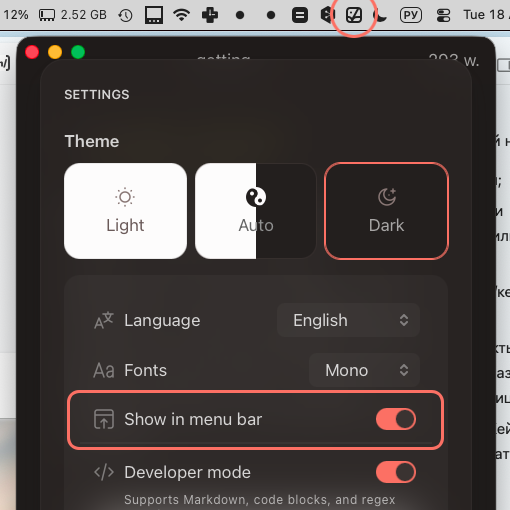
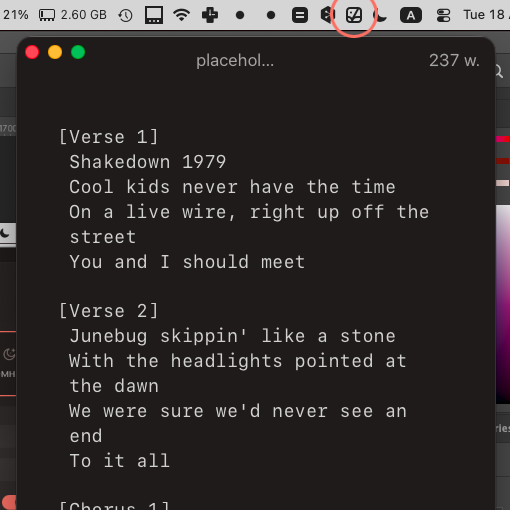
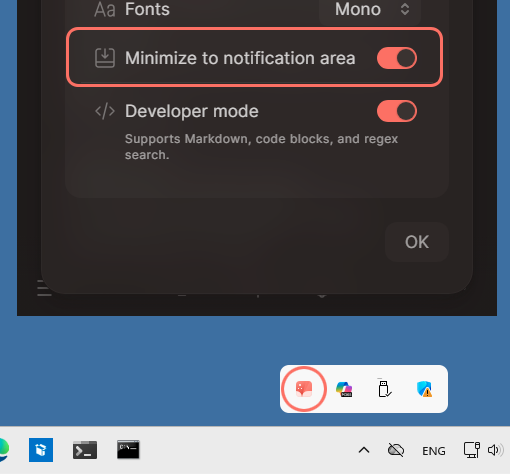
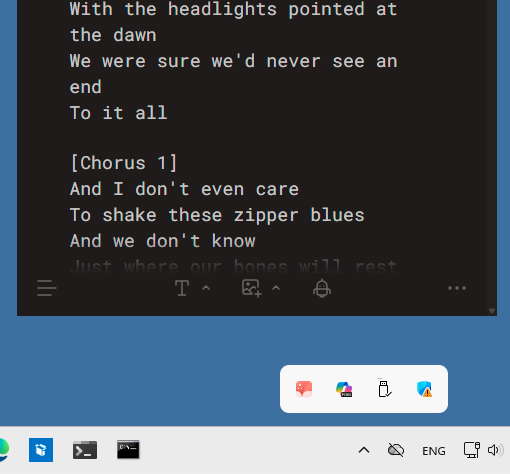
- NAdded compact mode: the app can be minimized to the system tray near the clock, so it’s always close at hand.
August 4, 2026 - version 1.2.0
- NCollapse sections of large documents by subheading.
- NAdded a code-editor-inspired theme.
- IYou can now open documents from any accessible folder.
- IThe toolbar hides while reading and returns when needed.
- IThe app is now faster and more responsive.
- IImproved Windows integration.
June 26, 2026 - version 1.1.3
- NMagic Notebook is now available for Windows.
- ICreating files from the sidebar is now faster and more reliable.
- FFixed a few small issues.
May 15, 2026 - version 1.1.1
- NEdit your notes in a clean, intuitive visual editor.
- NWork with Word, Markdown, or plain text files.
- NFormat text using headings, lists, links, and other familiar elements.
- NAdd tables, images, and code blocks to your notes.
- NPaste content from other sources - web pages, AI chats - with tables and images preserved.
- NSearch within the current document.
- NChanges are saved automatically.
- NOpen folders on your computer and work with files directly in the app.
- NCreate notes and folders, rename them, and move them easily between sections.
- NQuickly find files with sorting and name-based search.
- NOpen a file in Finder directly from the app.
- NCustomize the app: language, light or dark theme, developer mode.
- NIf something isn’t clear, open a short help article.
- NIf you’re a developer, switch between visual mode and Markdown view while working.